Impact Lab Extreme Physics Aim & Power Tools
Practical brackets and checklists to turn physics chaos into repeatable shots.
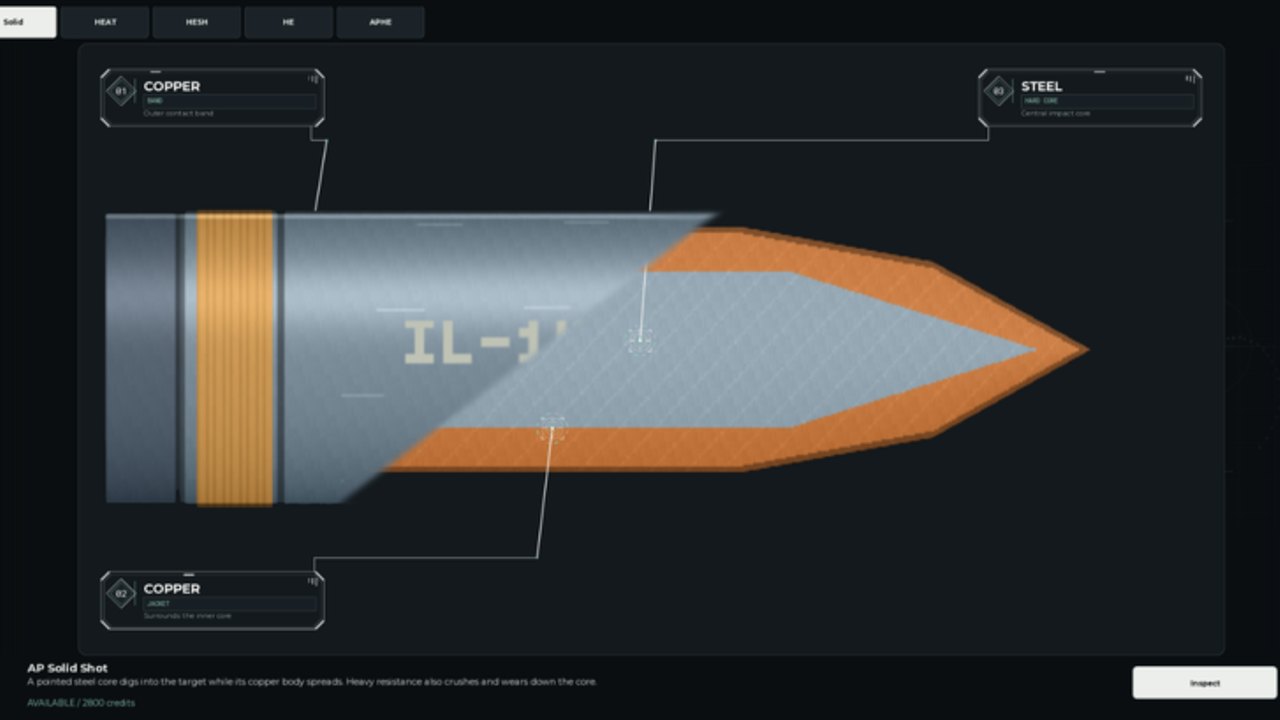
This Tools hub gives Impact Lab: Extreme Physics! players repeatable frameworks for aim, power, and upgrade planning. It is not a downloadable cheat — it is a reference you keep open while practicing in the material range or between duels. Use it with How to Play PvP and Campaign Challenges.
Power bracket cheat sheet
Percentages are relative to the in-game power meter. Calibrate once per patch.
| Intent | Power band | When to use |
|---|---|---|
| Scout deformation | 40–55% | First shot of a duel |
| Controlled peel | 55–70% | Removing a plate without burying the VIP lane |
| Standard penetrate | 70–85% | Needle/AP into a known seam |
| Finish | 85–100% | Clear lane to VIP only |
| Panic max | 100% | Almost never — reset and breathe |
After any Updates patch, re-run the penetration ladder in the material range and rewrite your personal numbers if armor HP changed.
Pressure-view checklist tool
Print this mentally before every shot:
- Where is the enemy VIP room?
- Which plates already show bright stress?
- Does my planned impact create a continuous lane?
- If I miss slightly, does splash help or hurt the lane?
- Am I shooting a cosmetic wall that does not lead to the core?
If you cannot answer (1) and (2), you are not ready to confirm fire.
Fortress planning worksheet
Before spending coins (Fortress Upgrades):
- Main fortress this week: ________
- Weakest lane from last three losses: ________
- Upgrade that seals it: ________
- Round type to unlock next: ________
- Cosmetics allowed only after vault tier: ________
Compare your main pick against the Tier List.
Aim routine timer (5 minutes)
- Minute 1 — three scout shots, note deformation
- Minute 2 — two peel shots on the same plate
- Minute 3 — two penetrate attempts
- Minute 4 — one finish attempt on a practice vault
- Minute 5 — Pressure review + write one number that surprised you
Run this before serious queues. New players should finish Getting Started first.
Mobile power stabilizer tips
- Drag power slowly; lift finger when the meter enters your band
- If the UI snaps to max, cancel and restart the aim phase
- Increase touch sensitivity only after you can hit 60% consistently
- See Players for broader mobile habits
Fair-play reminder
These tools replace the need for shady aim scripts. If you still explore command menus for flying around practice maps, read Scripts and understand the risk. Competitive integrity keeps lobbies healthy in a three-player physics sandbox.
Quick links
Keep this page handy, recalibrate after patches, and let structured brackets beat hopeful max-power spam.
Frequently Asked Questions
Quick answers to the most common questions.
What power should I use on my first shot?
Start around 40–55% to scout deformation. Save 85%+ for confirmed VIP lanes.
How often should I recalibrate?
After every major patch listed on Updates, or whenever armor upgrades change how plates fold.
Is this an aimbot?
No. These are manual brackets and checklists. They improve skill without injecting into the client.
Can I use this on mobile?
Yes. Use the mobile stabilizer tips and the same power bands with slower finger drags.